In Facing View mode, two pages are shown to resemble a book with a facing layout in the PDF Reader window.
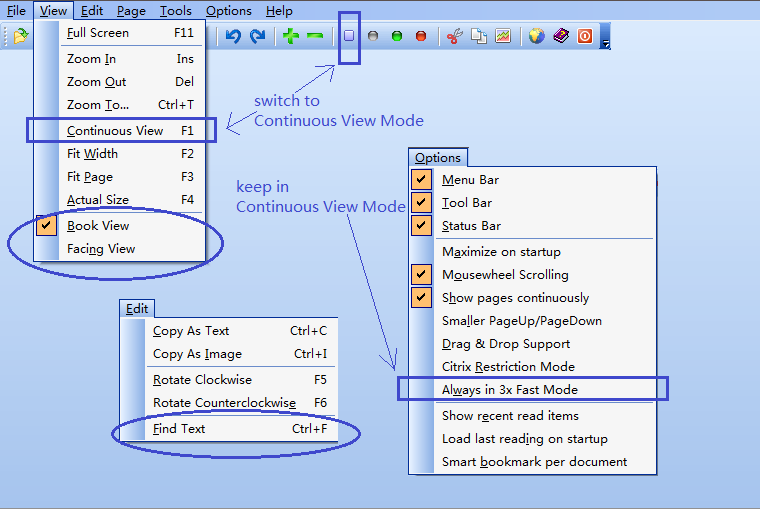
To switch to Facing View mode, the only way is to from the menu View->Facing View. If you deselect Facing View, you switch to the Book View.
|
Facing View |
Top Previous Next |
|
In Facing View mode, two pages are shown to resemble a book with a facing layout in the PDF Reader window.
To switch to Facing View mode, the only way is to from the menu View->Facing View. If you deselect Facing View, you switch to the Book View.
|